Set up your show
Online service to get any gear you need for the show. Build technical rider with all the details and find rental companies in one click.
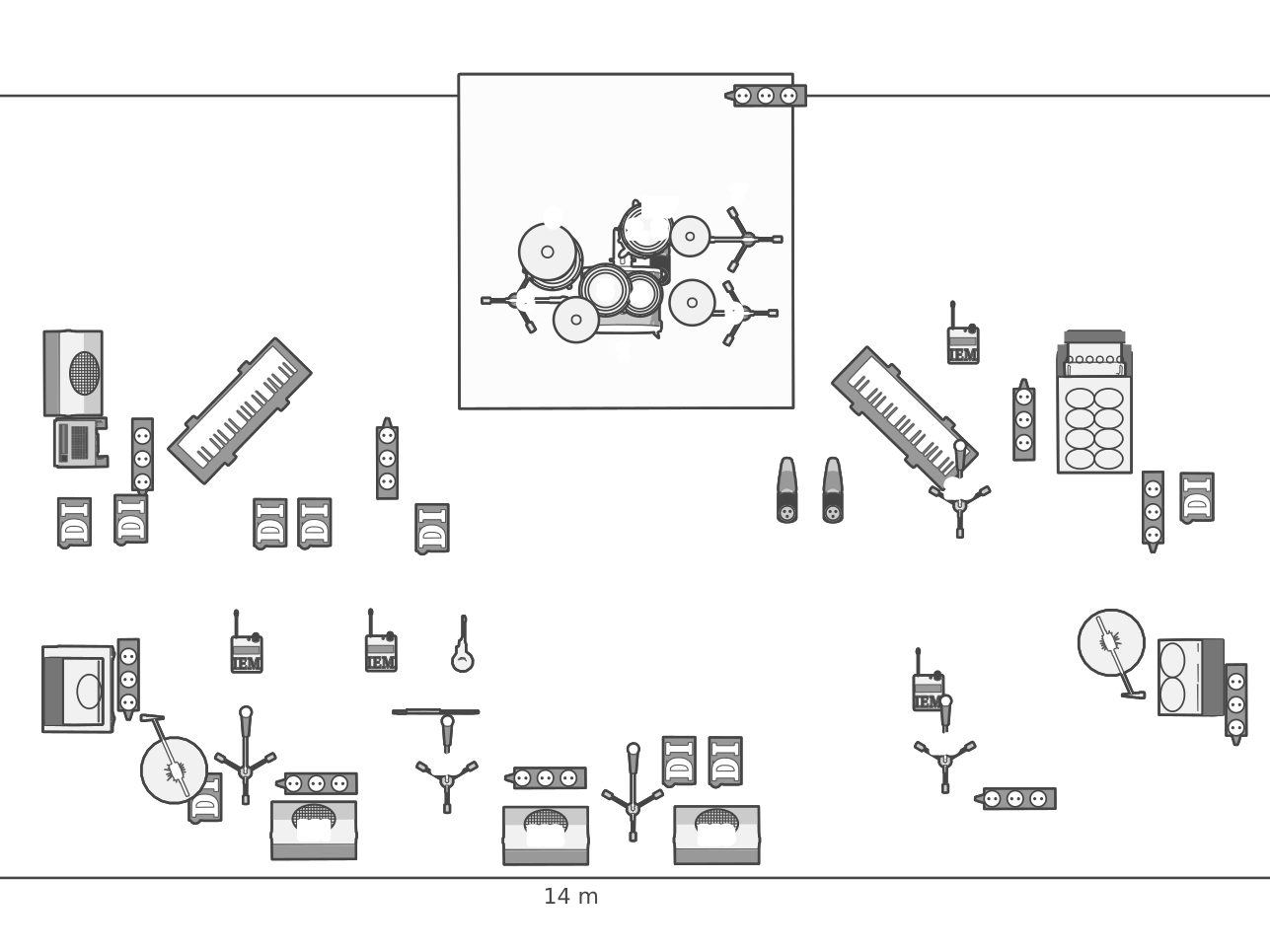
Build a rider right now
No account needed. The editor opens straight away and your work stays in this browser — an account is only for keeping it, sharing it or sending it.
For event managers
Managing a festival, a tour, a corporate or a private event? SoundCheckBox is the assistant that keeps band and rental agreements in one place — so you always know what was promised, by whom, and for how much.
Equipment provision
Every rider request matched against what suppliers can actually deliver.
Selection options
Compare variants side by side instead of chasing quotes over email.
Agreement tracking
Company credibility and past event reviews, visible before you commit.
Payment processing
Settle the booking without leaving the platform.
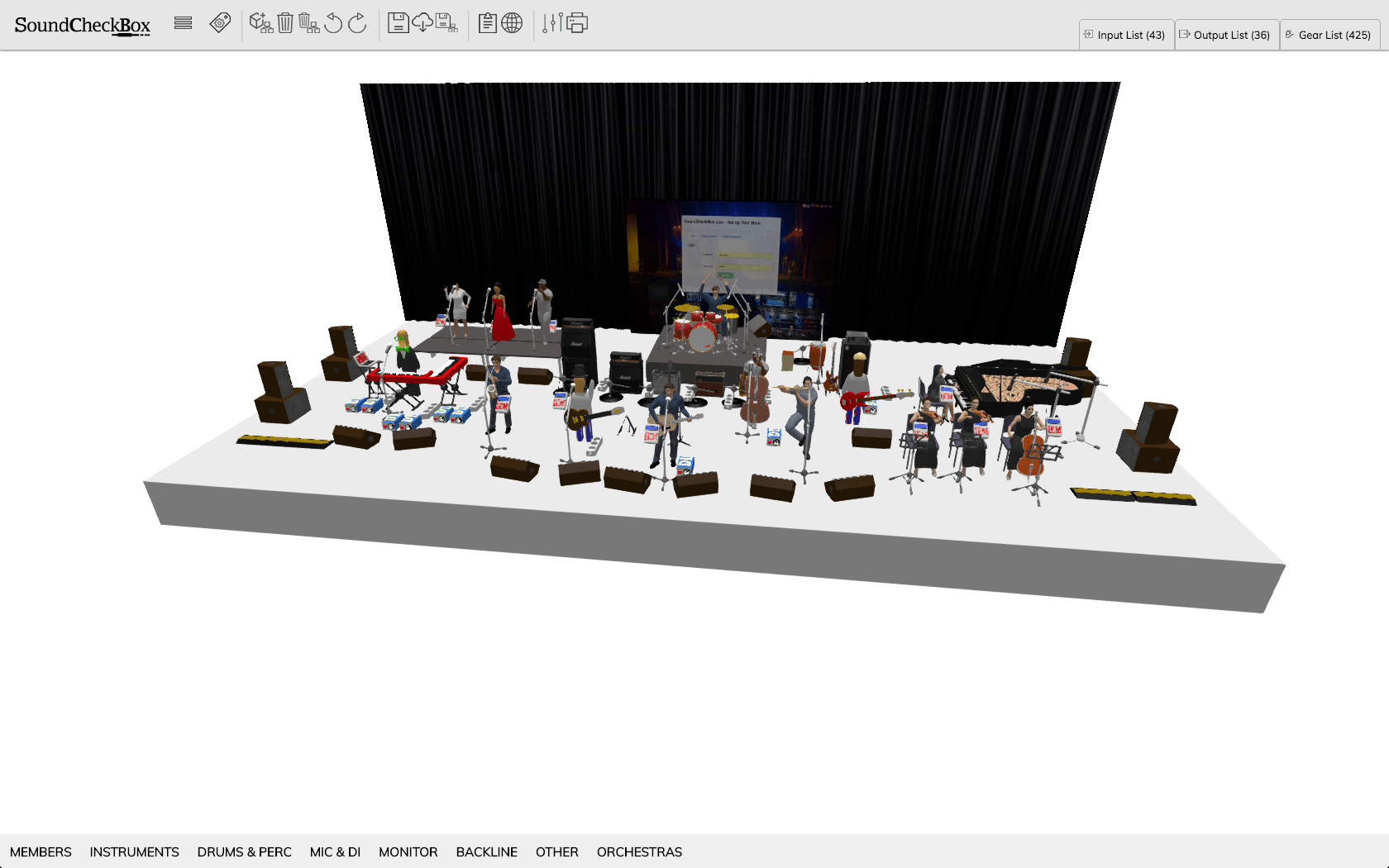
For rental companies
An automated manager that reads an incoming rider, checks it against your inventory, and prices the job — automatically. Short of any gear? SoundCheckBox will direct you where to rent it.
Inventory matching
Riders are compared to your real warehouse stock, not a wish list.
Automatic pricing
Quotes calculated from your own rates the moment a rider arrives.
Large operations
Built for serious storage volumes, with custom software integration supported.
Sub-rental
Missing an item? Get pointed straight at a company that has it.
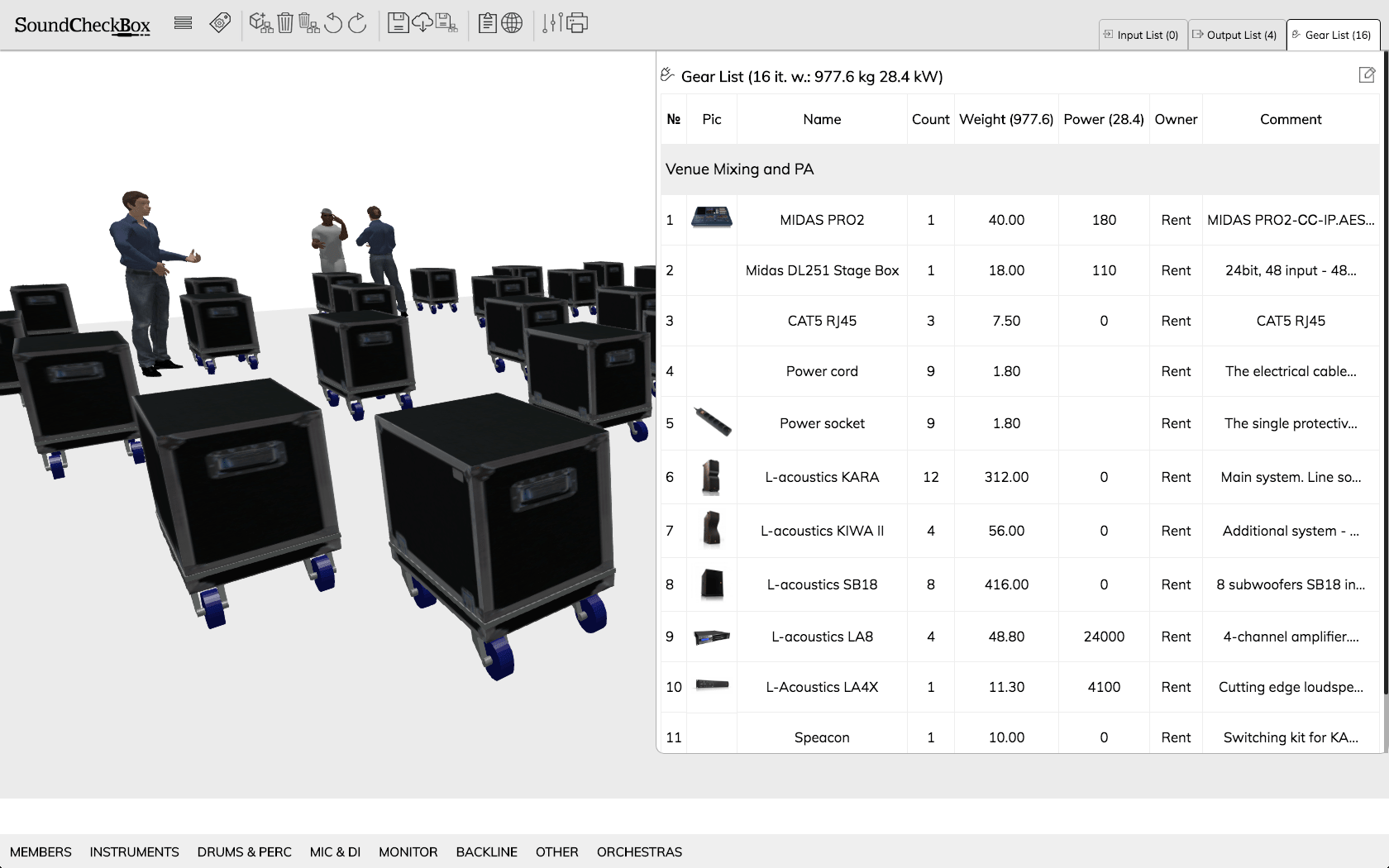
For soundmen
Less paperwork, more time for the people you actually work with. Build a rider from setups that already work, and reuse them for every band you look after.
Proven setups
Start from a working stage plot instead of a blank page.
Your own presets
Save a customised group of gear once, drop it in forever.
Multi-band booking
Keep every band you manage in one account.
Package suggestions
Rental companies propose complete packages against your rider.
How it works
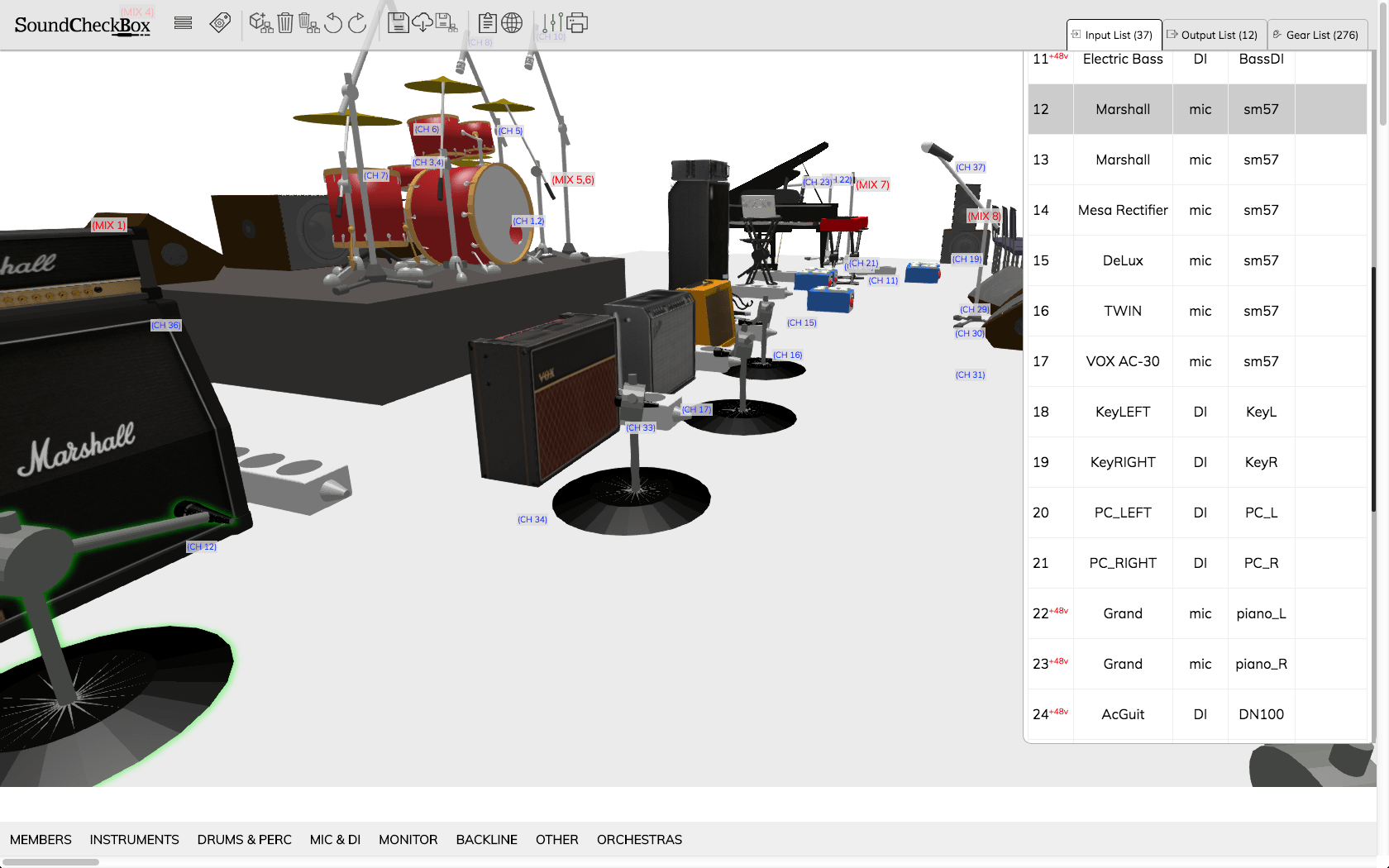
Place the gear on a 3D stage, and the input list, output list and equipment list build themselves as you go. Print it, or send it straight to a rental company.
1. Build the stage
Drag presets — drum kits, backline, mics, monitors — onto a scaled stage.
2. Lists write themselves
Channels, sources and gear are derived from what's on the stage.
3. Share it
Print a clean A4 rider with the stage plot, or send it to a supplier.